How it works
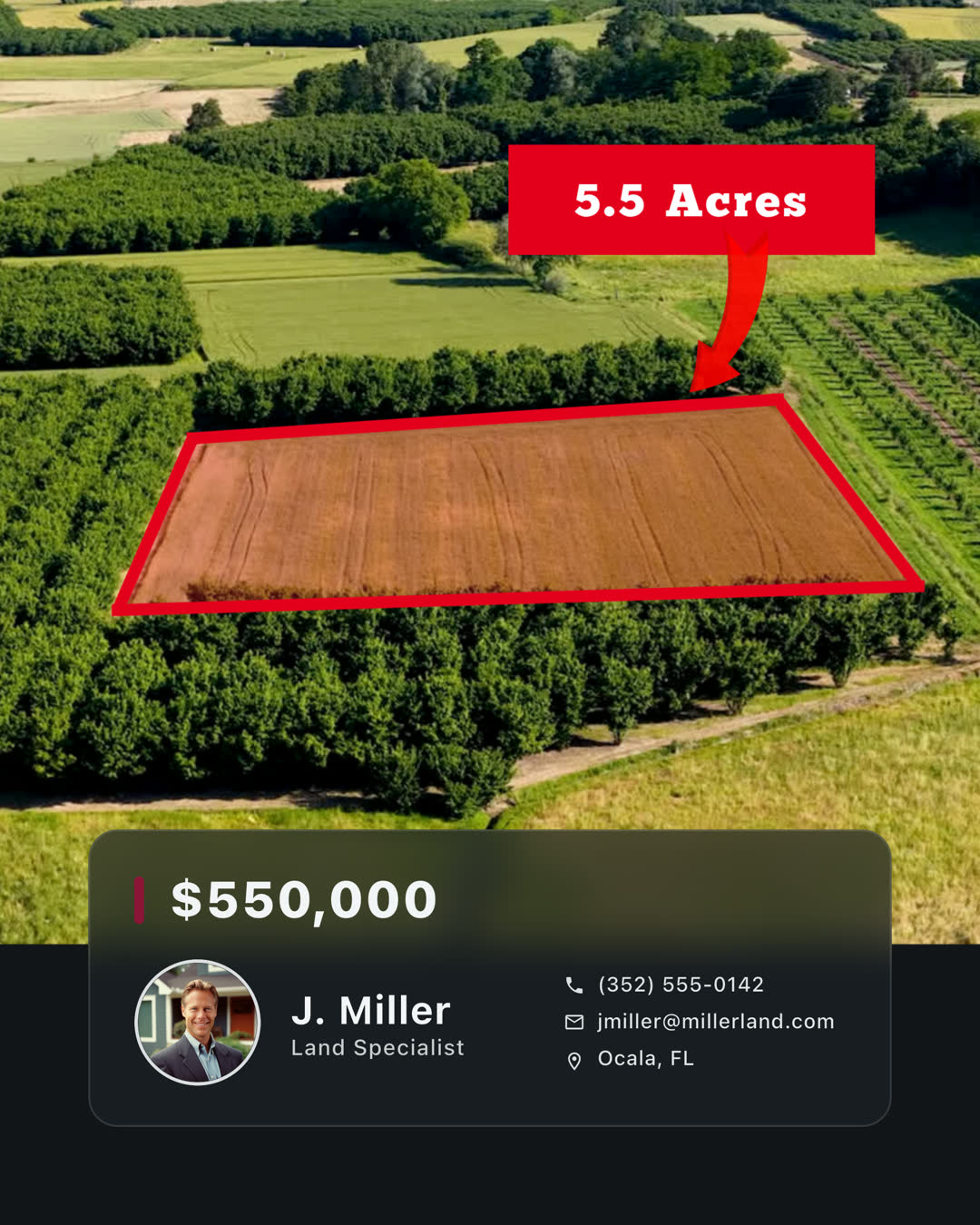
- Pick a photo. Your profile card is placed for you.
- Add features and price. Up to six short lines, such as acreage, road frontage or utilities.
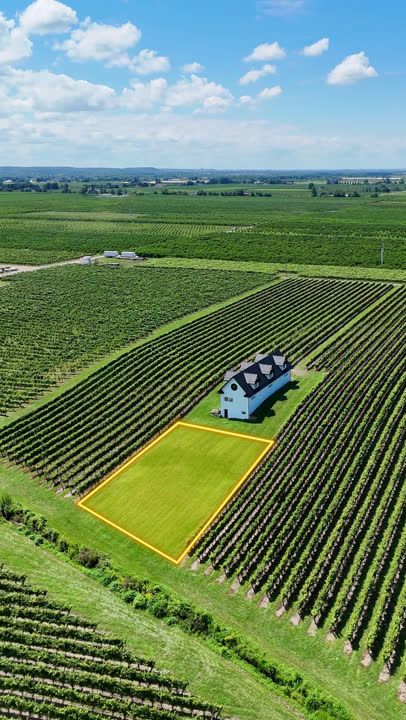
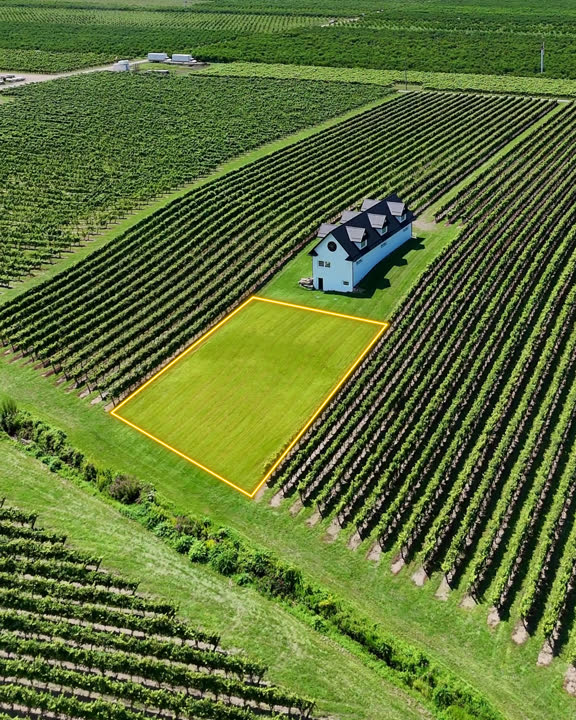
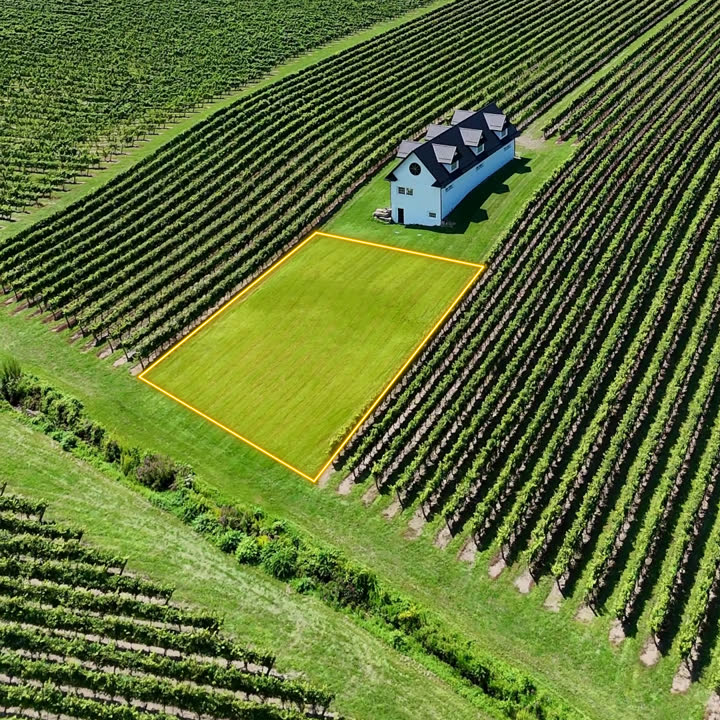
- Choose a template and color. Light or dark, in 9:16, 4:5 or 1:1.
- Set the status and save. For example For Sale, then post it.
Why it matters
Posting often is hard when every post needs a designer. A template with your details on it turns a photo into a post in about a minute.
Good to know
- Missing something in your profile? The app reminds you before you post.
- Posts can be saved free with a watermark; Silver and Gold remove it.
- Set your details once in your branding.