How it works
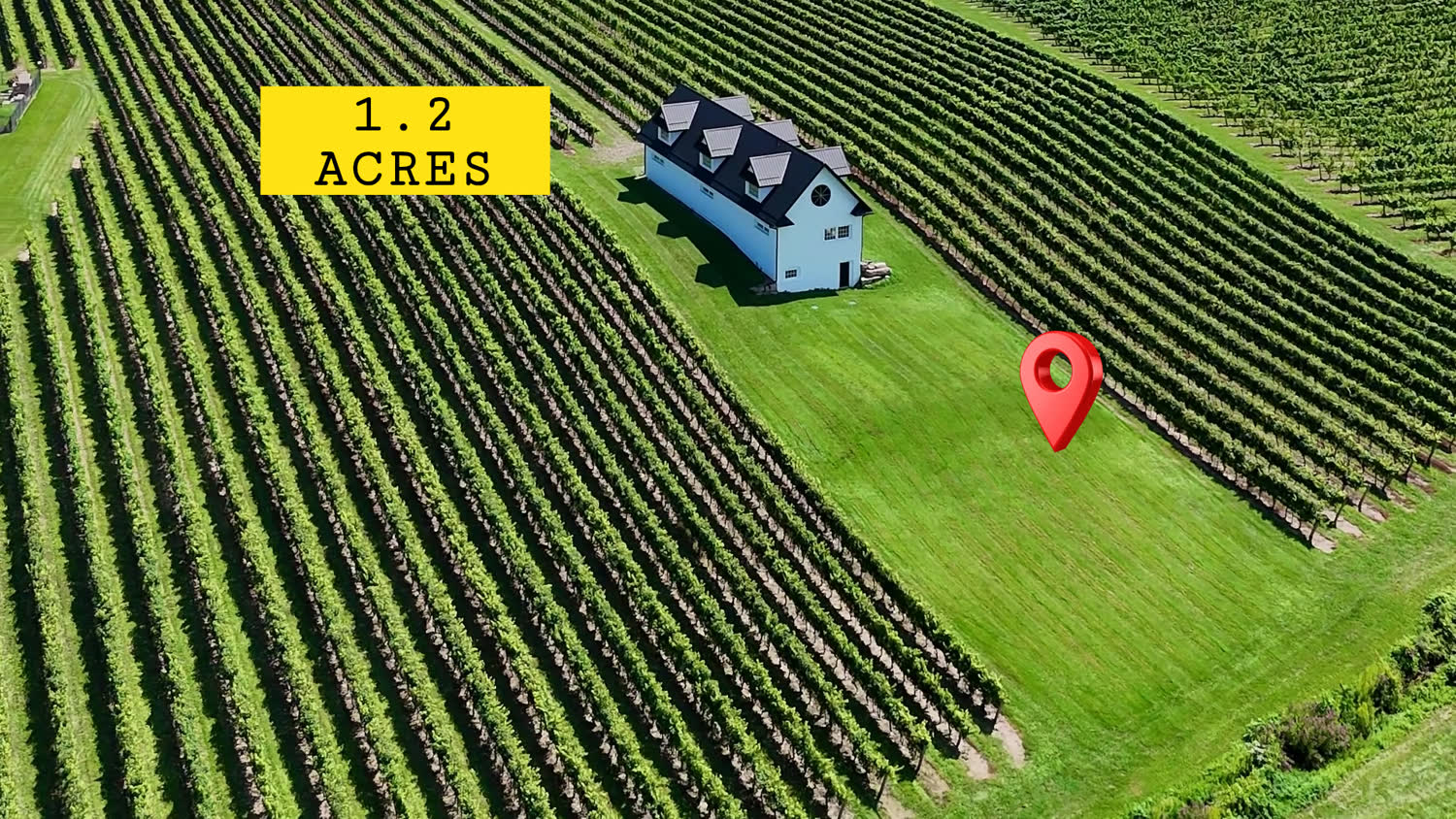
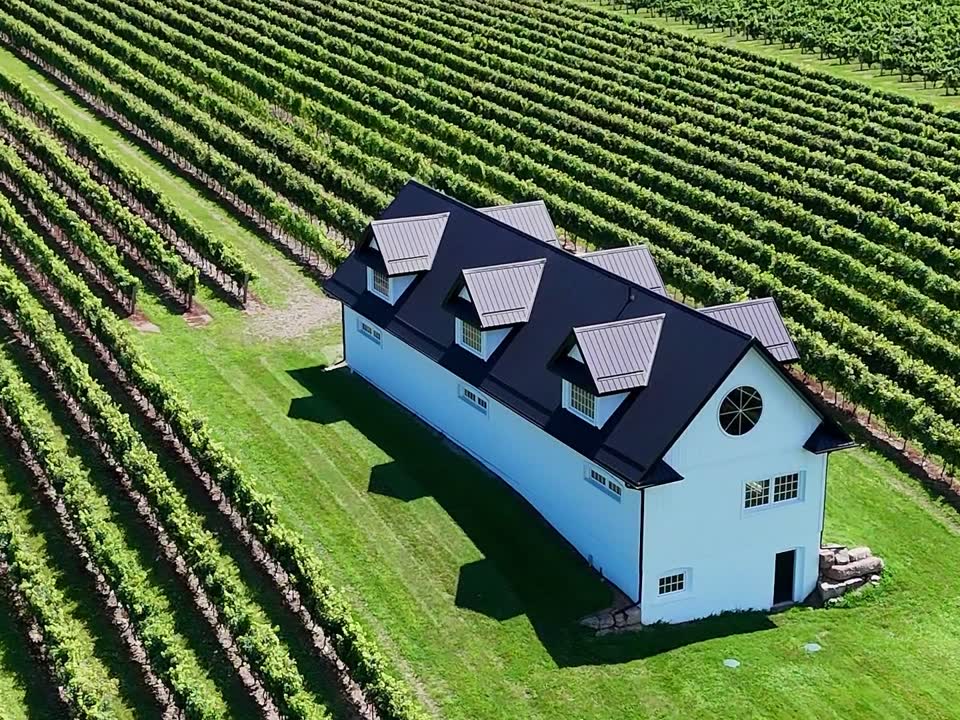
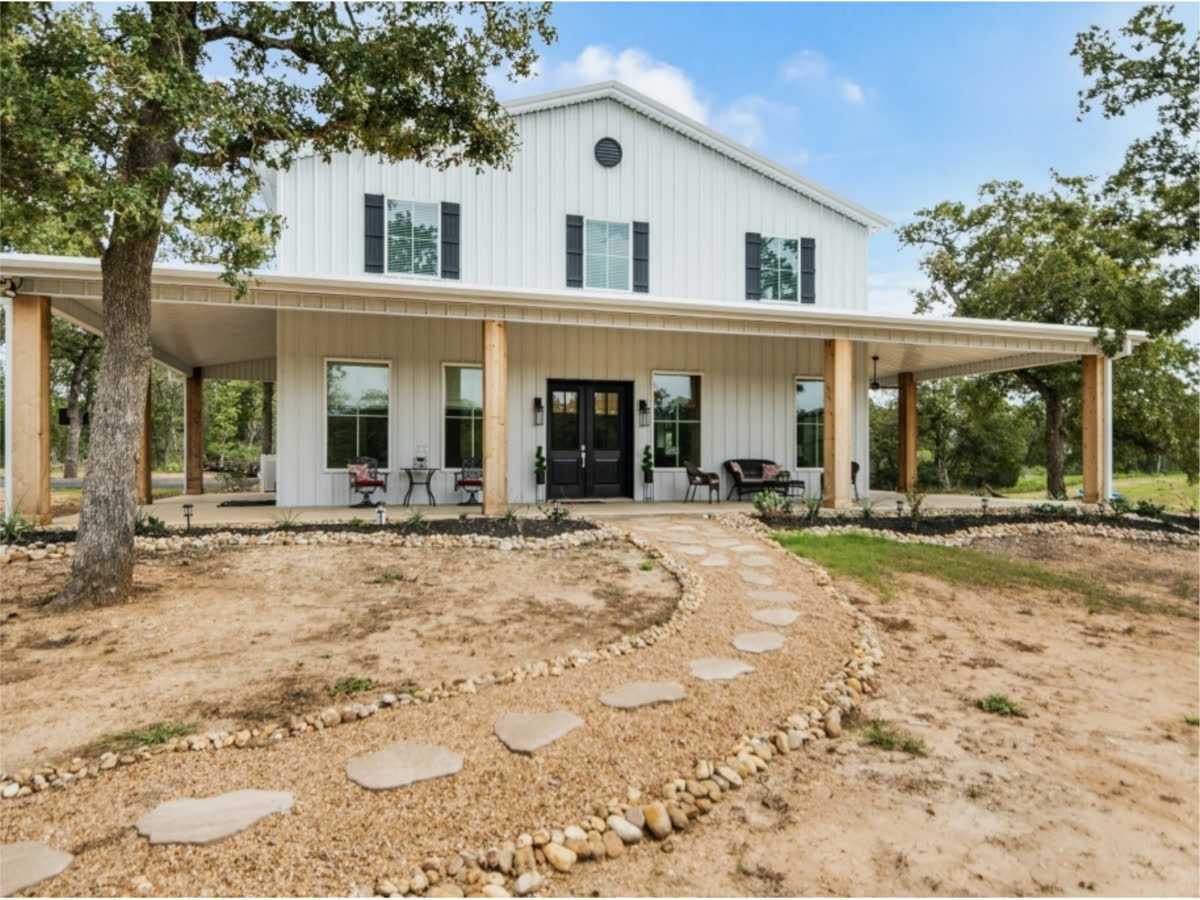
- Pick a photo. A dry lot, a bare yard or a field photographed in the wrong season.
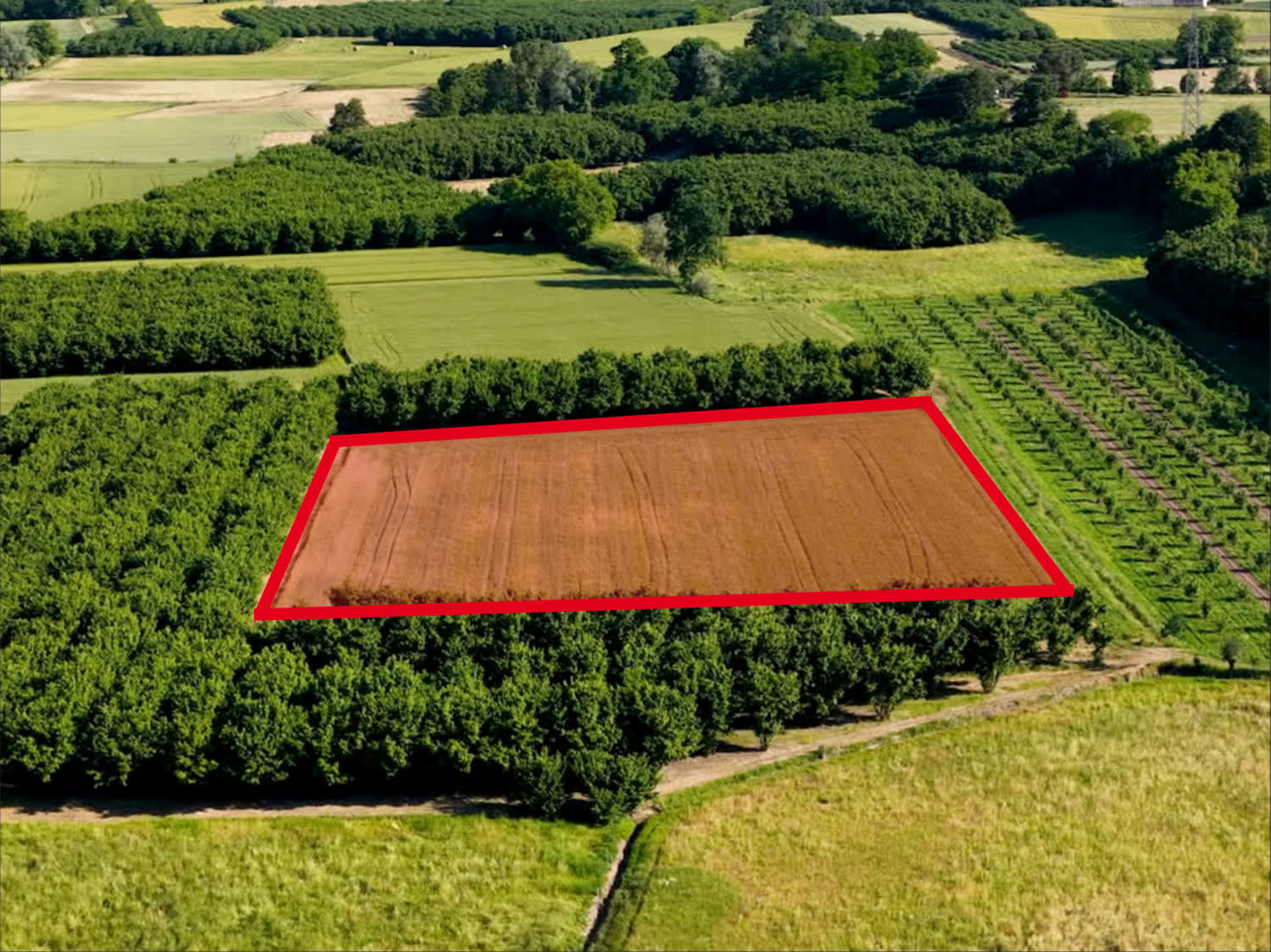
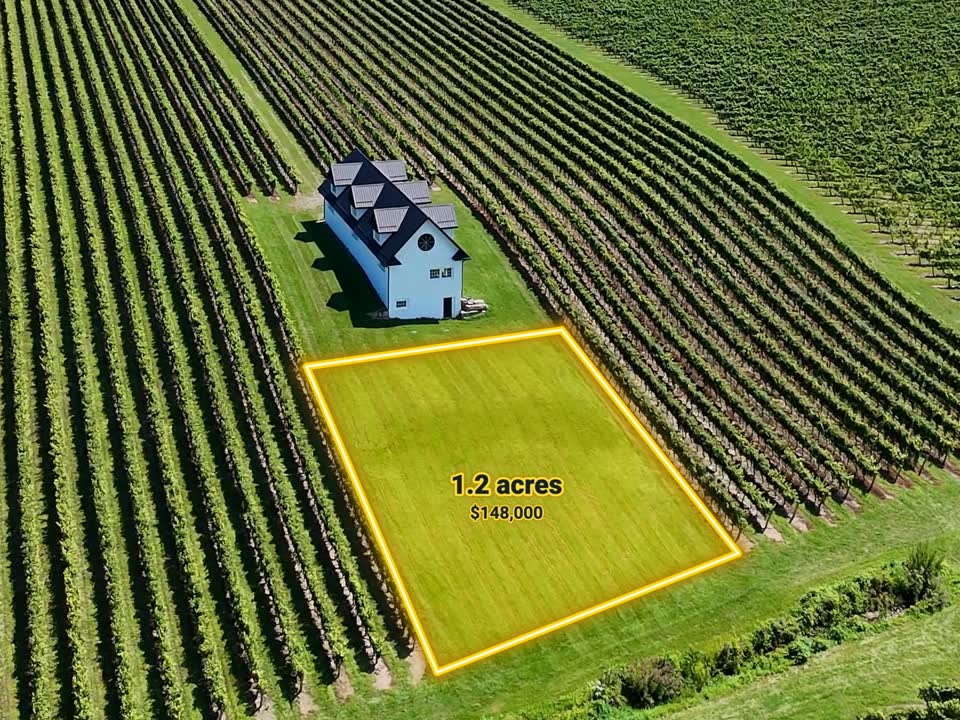
- Mark the area. Place the corners around the ground you want to change; add more areas if you need them.
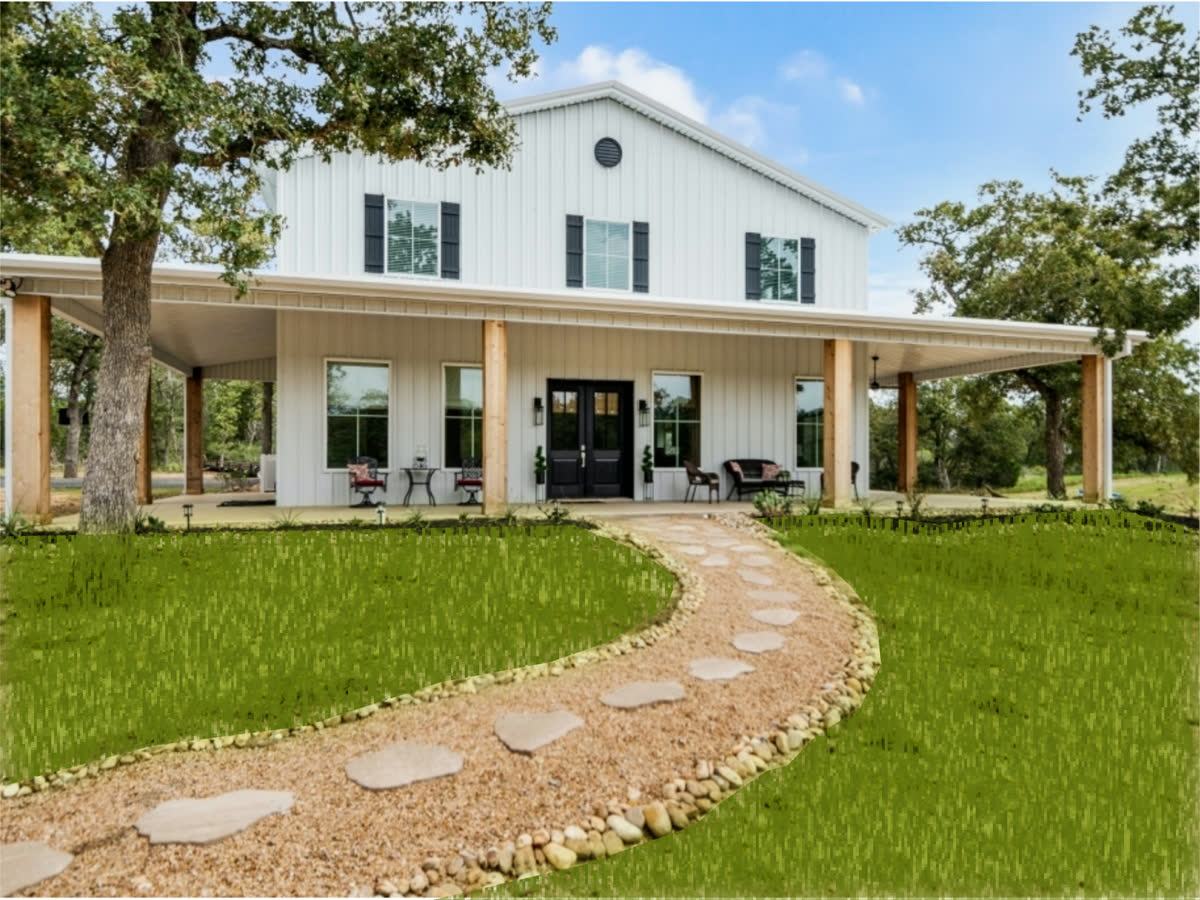
- Choose the effect. Soft mode turns yellow, dry grass green. Grass mode fills bare ground with a realistic grass texture.
- Fine-tune and save. Adjust color, density, opacity and edge softness for each area, with undo and redo at every step.
Why it matters
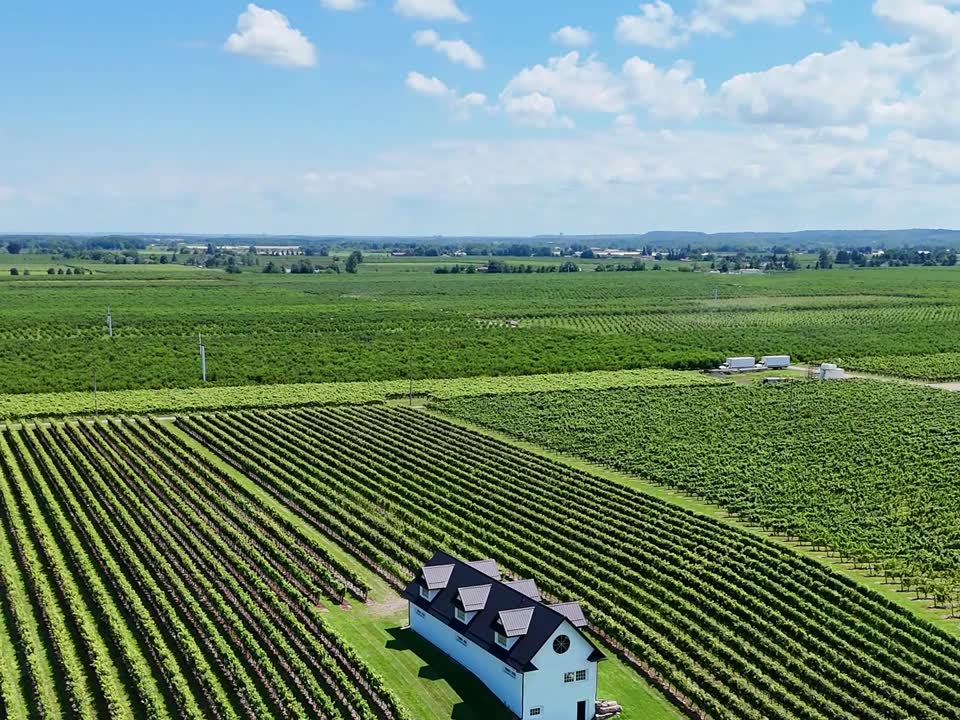
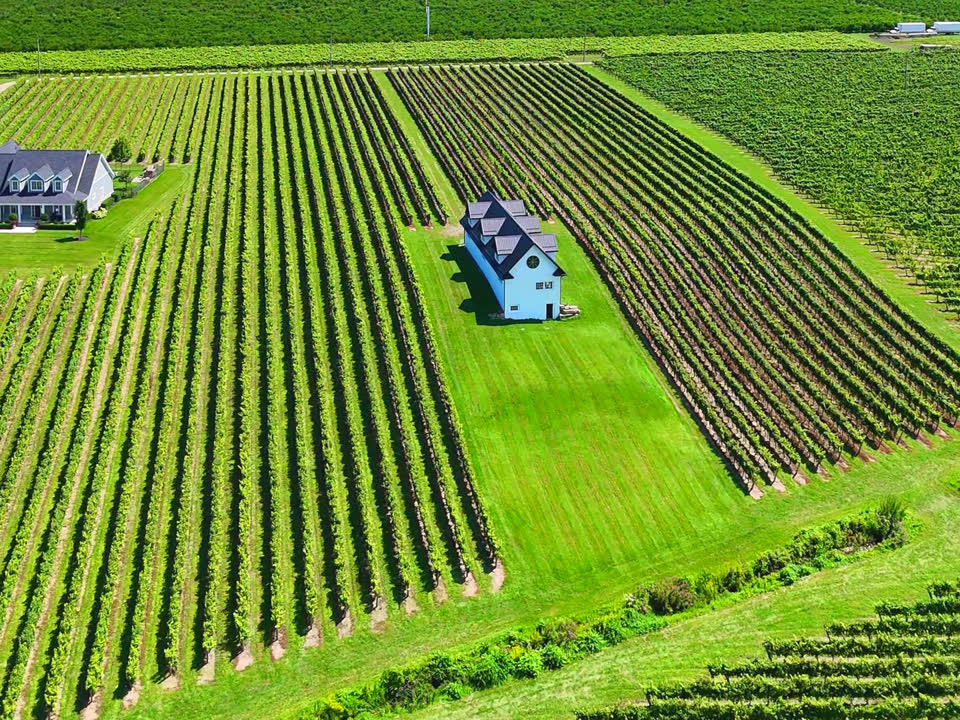
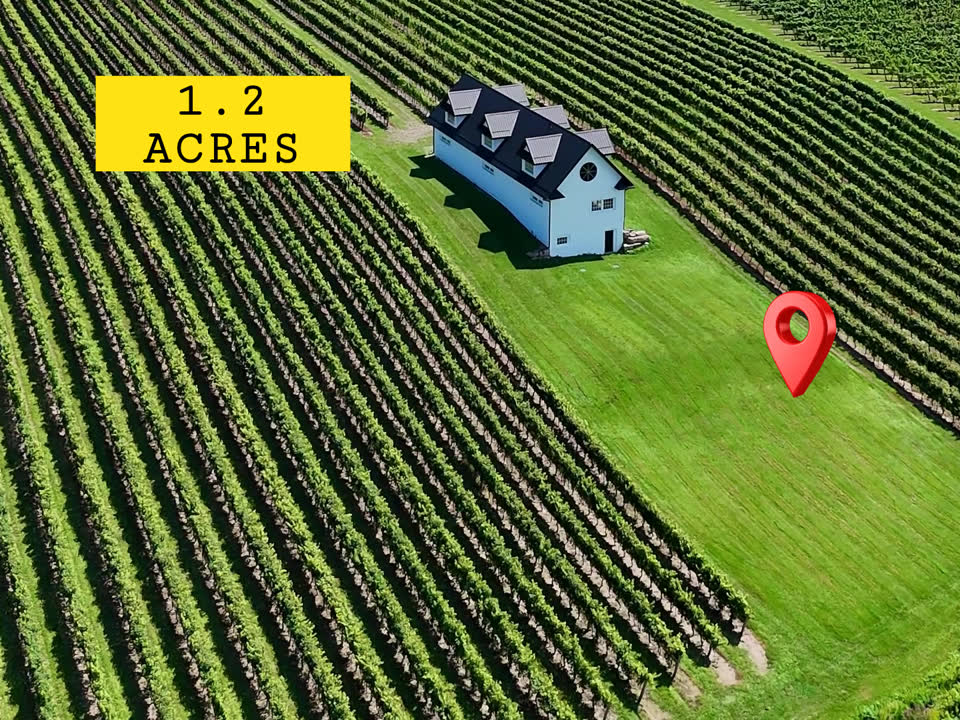
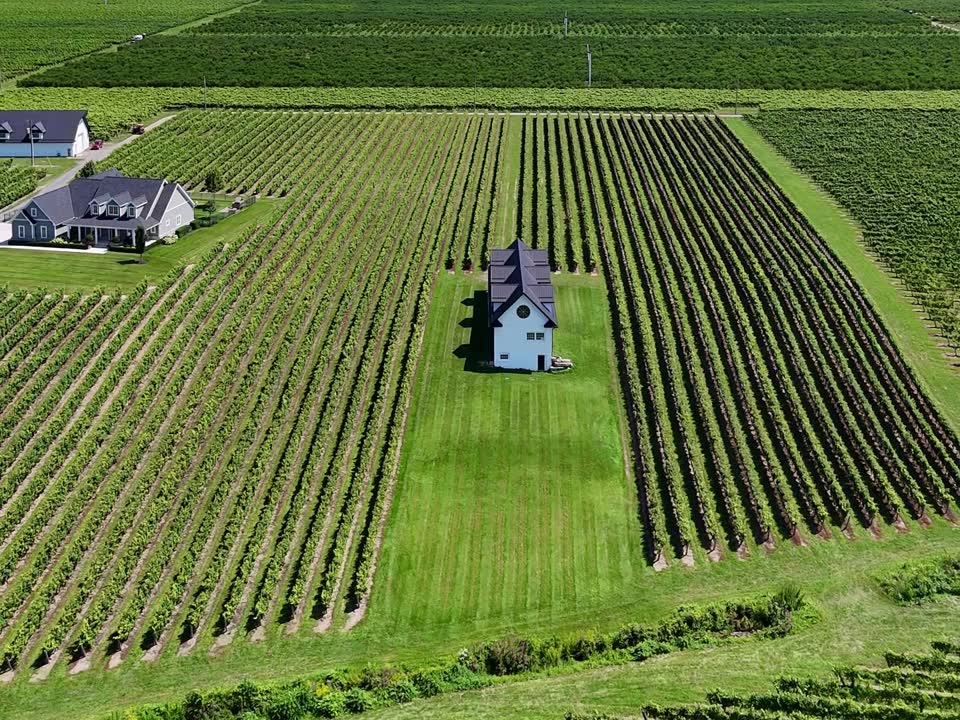
Land photographed in late summer or winter can look lifeless, even when it is green most of the year. A greener photo helps buyers picture the land at its best season.
Good to know
- Each area has its own settings, so a lawn and a field on the same photo can look different.
- Check your local listing rules: some markets require edited photos to be labeled as enhanced.