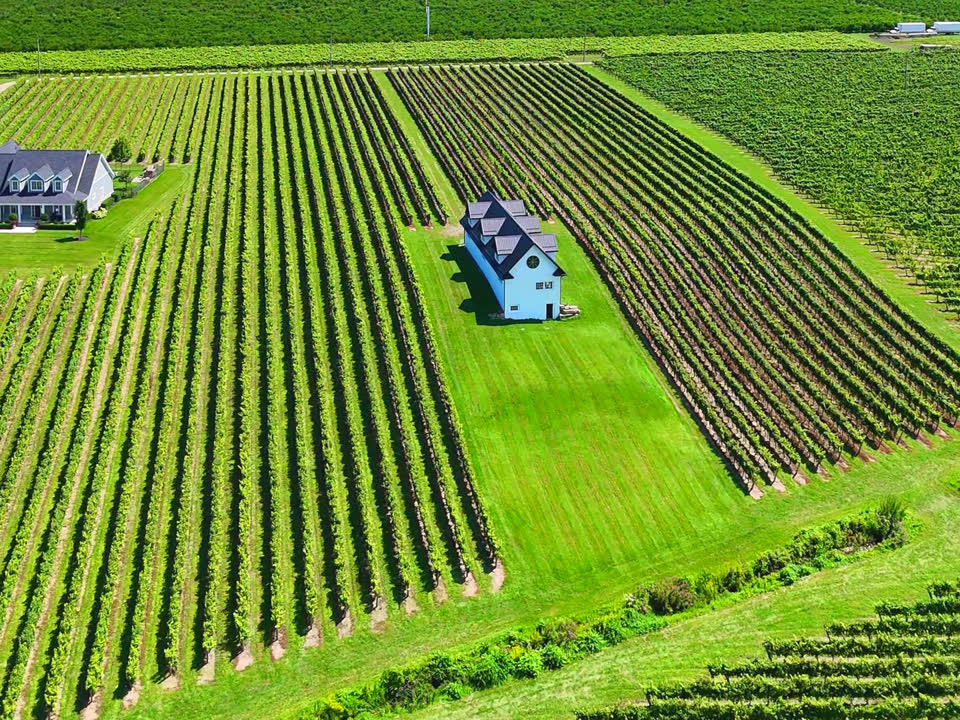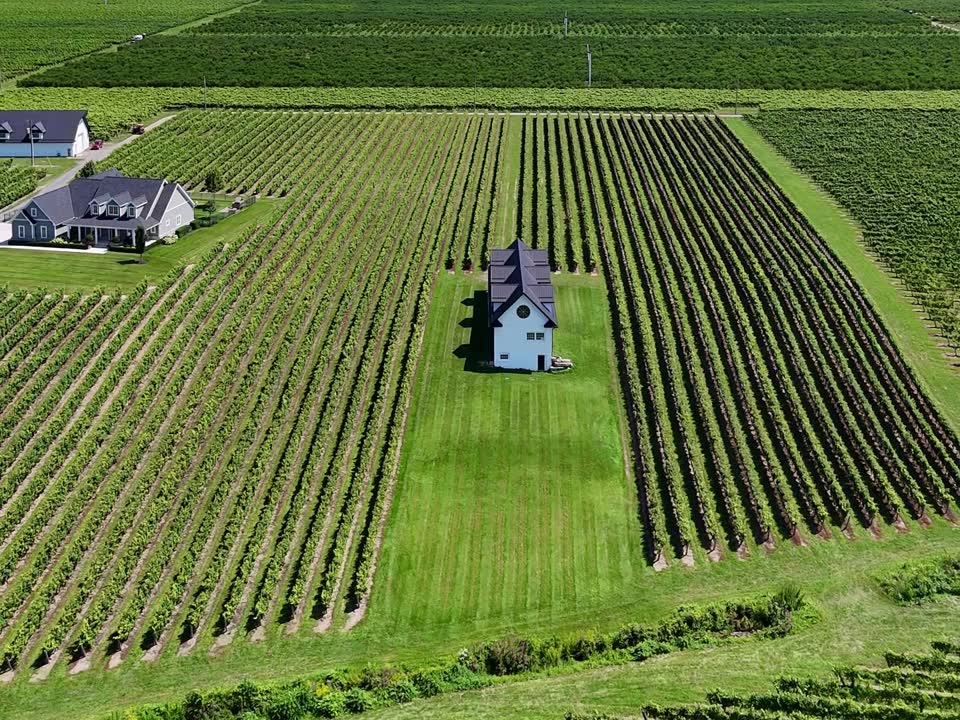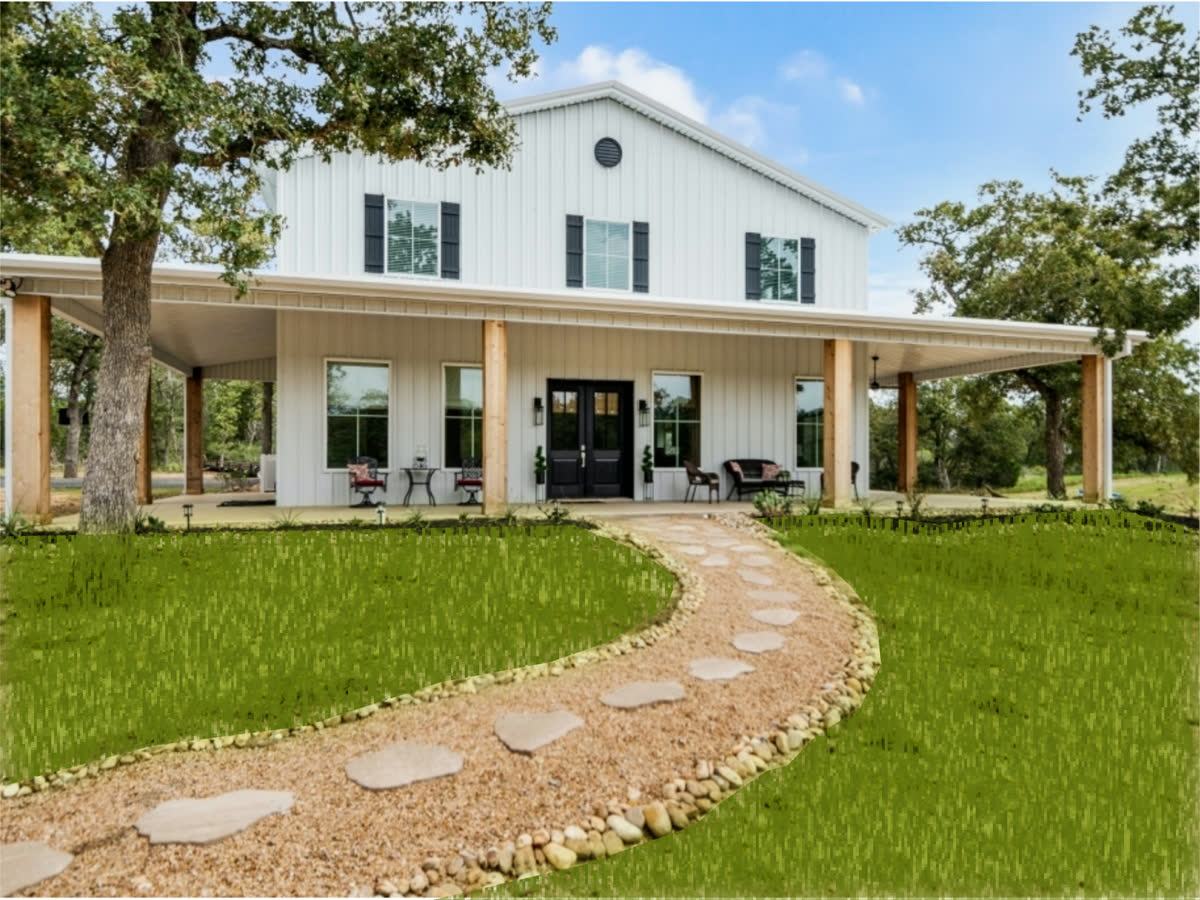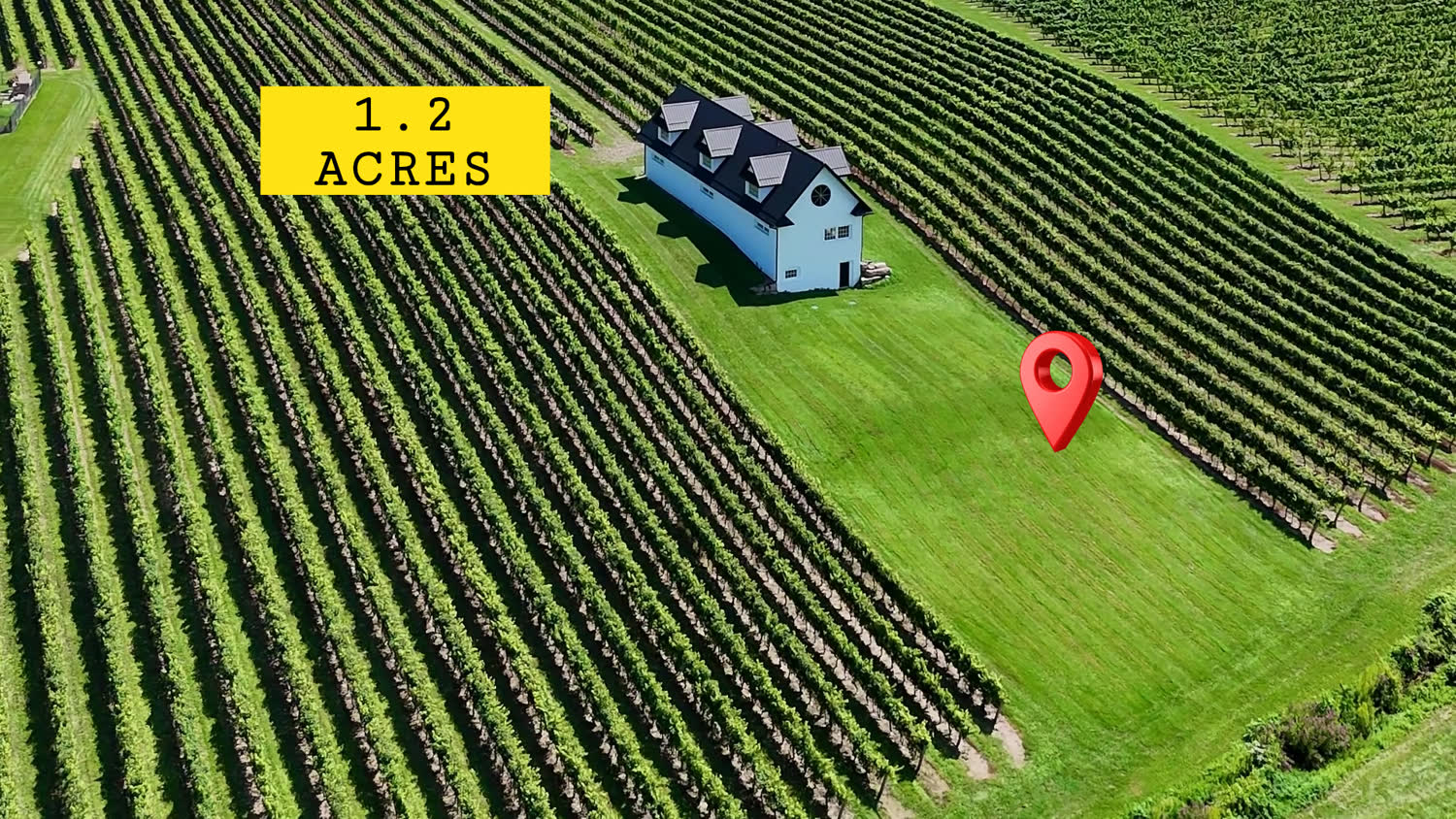
How it works
- Open Design on a photo. It is there for every photo in a listing folder.
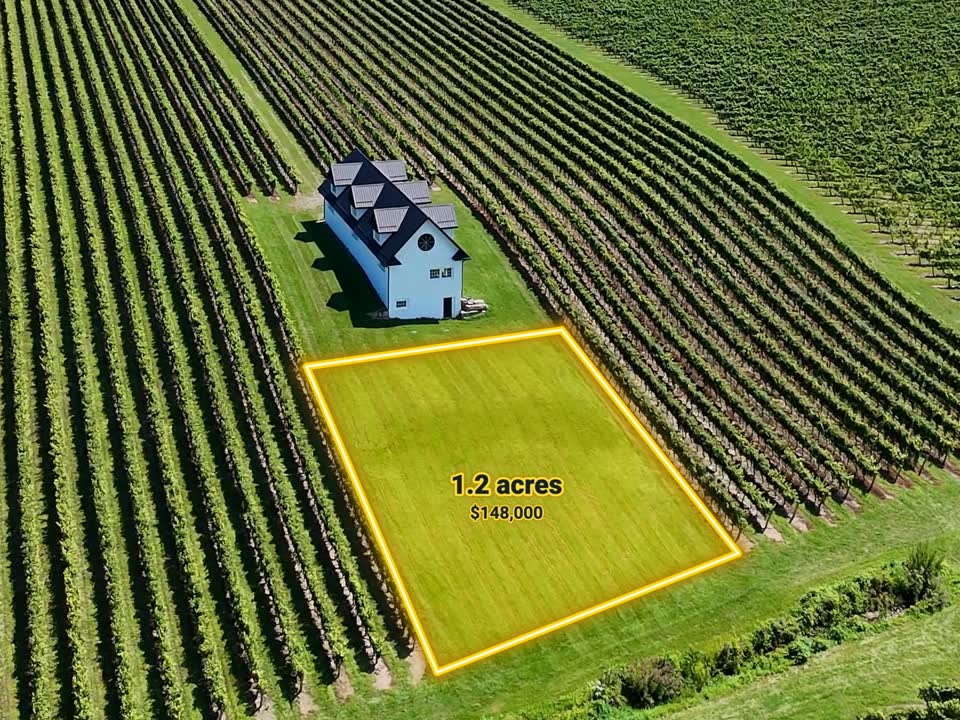
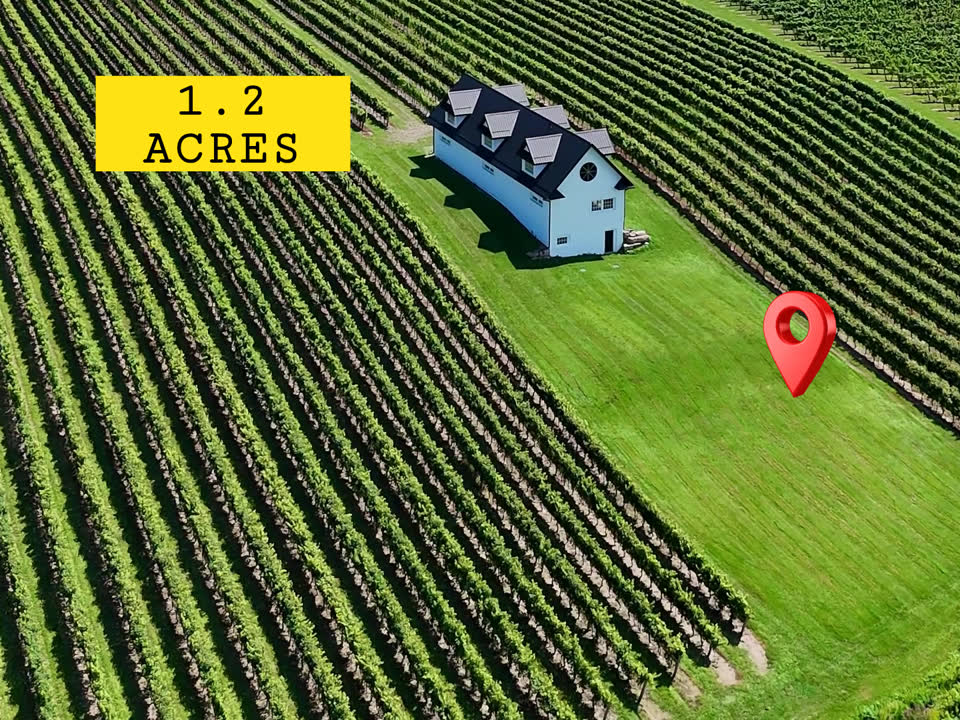
- Add text. Pick a style, type the acreage or price and drag it into place.
- Add stickers or a sign. Location pins, arrows, banners, keys and for-sale signs.
- Arrange and save. Resize, rotate, lock or reorder each item.
Why it matters
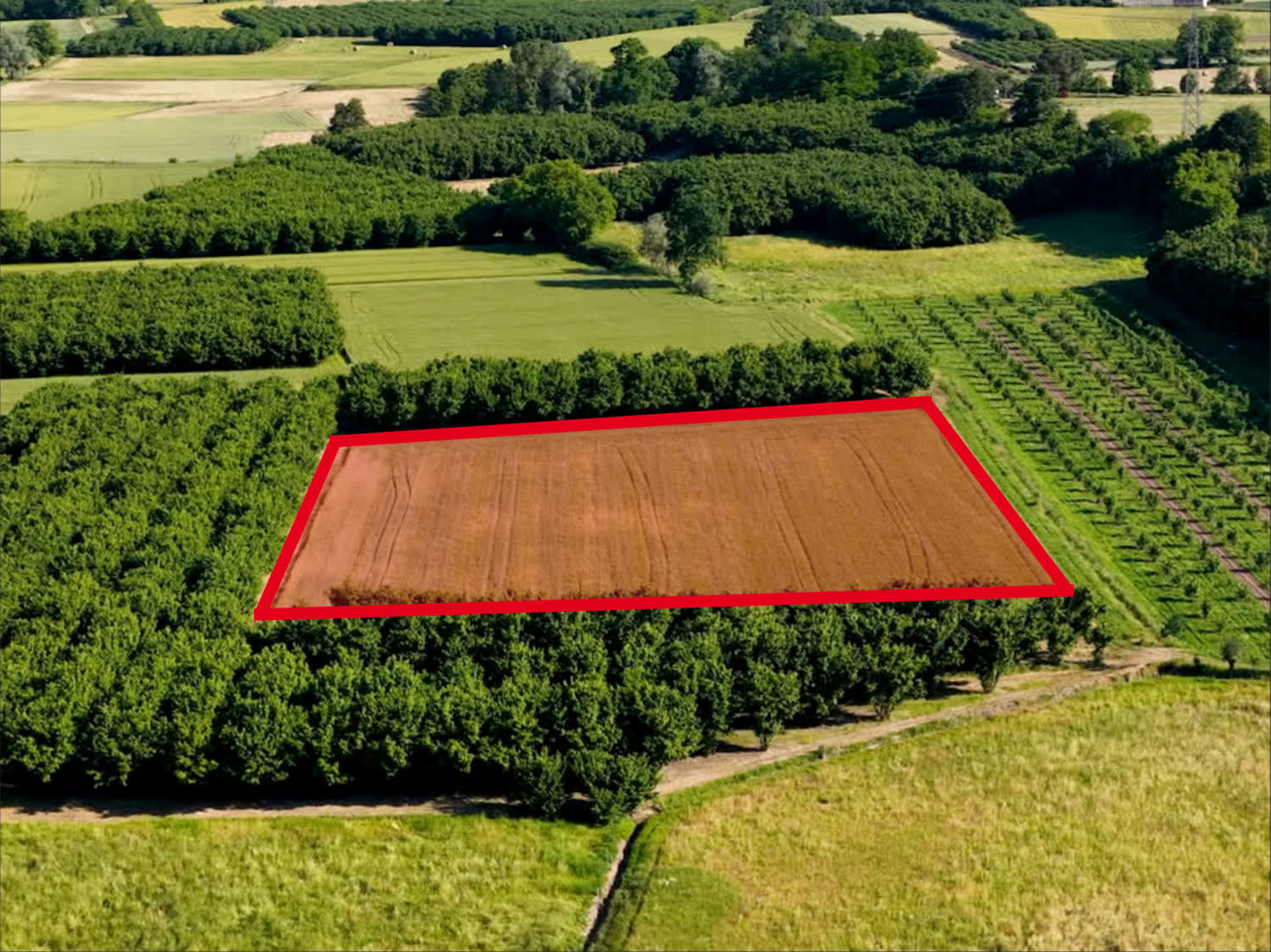
Buyers often see the photo without the description. An arrow to the lot and the acreage next to it answer the first questions before they open the listing.
Good to know
- Your own images, such as a logo, can be added too.
- Every item stays editable until you save.
- For exact lot lines, use property lines on photos.